
IVR Phone System for Business

An IVR phone system is the automated menu that greets callers. It handles simple requests and sends everyone else to the right team. Callers press a key or simply say what they need.

Curious how it would sound for your business? Call us and we will talk you through a menu for your callers.

What Is an IVR Phone System?

IVR stands for interactive voice response. It is the automated greeting that offers callers a choice, such as press 1 for sales or press 2 for support.

Callers can use their keypad or, on many systems, their voice. The IVR phone system then answers a simple question itself or sends the call to the right team.

In short, callers reach the right team without waiting for a receptionist, simple questions are answered automatically, and a person is always available when they are needed.

Blake Logo Final Logo landscape
LO

Team

AllSalesSupport
Daniel R.Sales
Marcus O.On a call
Ama K.Accounts
Chloe B.Busy
Ryan T.Projects
Sophie L.On a call
Video call
bt scene callerYouHD · Leeds
Niamh Kelly
Leeds · 0113 •••• ••47
01:46
MuteHoldTransferEnd
9:415G

Belfast office · 028 line

CD

Ciaran Doyle

Bristol · 0117 •••• ••36

04:44
Mute
Keypad
Speaker
Add call
Hold
End
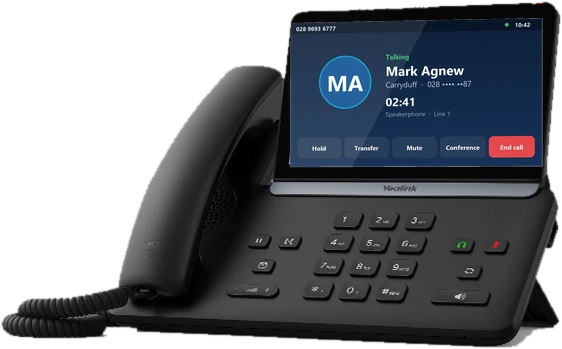
Business desk phone on a call

For illustration purposes only. Screens are examples and do not show real systems or data.

How Does an IVR Phone System Work?

An IVR phone system answers each call with a recorded greeting and a short menu, so callers reach the right answer or the right person without waiting for someone to pick up. It works around the clock, and you can change the menu whenever your business changes.

When a caller does need a person, the system passes on what they have chosen, so they do not have to explain it all again. Here is what happens, step by step.

Talk to our team about an IVR phone system →

The call connects and a recorded greeting welcomes the caller

It explains the options in plain words, so the caller knows what to do next.

The caller makes a choice

They press a key or say a few words to explain what they need.

The system responds

The IVR gives a simple answer, takes a message or looks up details, depending on how you set it up.

The call reaches the right place

If a person is needed, call routing sends the caller to a suitable agent or team. See our call routing guide.

Ways Businesses Use IVR

An IVR phone system works in two main ways. In self-service, callers hear recorded information, such as opening hours, and complete guided tasks like payments without speaking to anyone. In call routing, they choose an option on the keypad, or say it, and the call goes to the right team.

Businesses also use it to play greetings, collect details, give important callers priority and offer callbacks. Because it fits alongside automatic call distribution, callers are matched with a suitable agent, even when nobody is free straight away.

What Does IVR Do for Your Business?

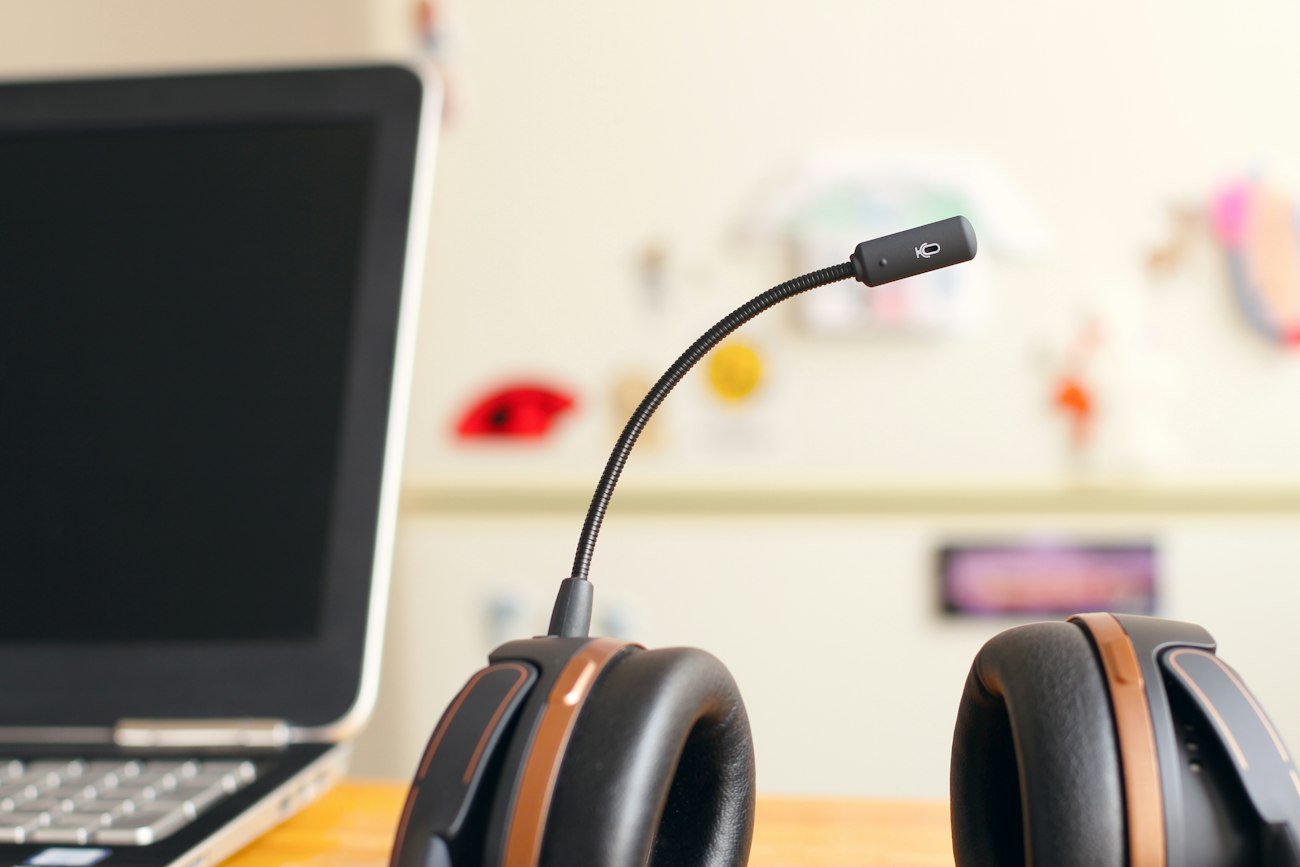
Headset resting beside a laptop on a desk

A well-built IVR phone system improves first contact resolution, because callers are less likely to hang up while they wait and more likely to reach the right person the first time. Fewer transfers also mean agents spend less time repeating the same questions.

It can cut costs too. An automated attendant takes on routine calls, so your reception and support teams focus on conversations that need a person. Over time, the reports show what customers ask about and where your menu can improve.

What Can Callers Do Without Speaking to an Agent?

Modern IVR goes well beyond reading out opening hours. Callers can finish many simple tasks themselves, and a person is always one key press away.

Pay and check

Pay bills and fees over a secure payment gateway and check balances or outstanding invoices. Card payments over the phone should follow the PCI Security Standards Council rules.

Financial services phone systems →

Account actions

Set or change a PIN or password and access account information. See the NCSC’s password guidance.

CCaaS platform →

Find information

Look up product or service details from an IVR directory without waiting.

Omnichannel contact centre →

From Menus to Virtual Agents

With an IVR phone system, pressing keys is not always convenient. Virtual agents let callers simply say what they need, in their own words, and still reach the right person quickly.

Callers just speak

Virtual agents use speech recognition and natural language processing, so callers can say what they need, even interrupting a message, just as they would with a person.

Simple requests handled

They can answer simple questions and take details, so routine calls are dealt with without taking up your team's time.

Smooth handover to your team

When a person is needed, the call is passed to an agent with everything already collected, so callers never have to repeat themselves.

Pre-set rephrase prompts cover the moments when the system does not understand, so nobody gets stuck.

How Do You Set Up an IVR Phone System?

To set up an IVR phone system, start by listing the real reasons people ring you, then keep the top few as menu options. Draw the menu on paper first, write short prompts in a friendly voice and record them clearly.

Test every path, including after-hours and bank holidays, before callers hear it. Afterwards, review the reports each month and adjust the menu, because callers’ needs change over time.

Good and Poor IVR Menus Compared

The menu is the first thing a caller hears, and it sets the tone for the whole call. These two descriptions show what separates a menu that helps from one that drives callers away, so you can see which one yours is closer to.

A poor menu

Long, repetitive and hard to escape

A poor IVR phone system menu is long and confusing. It offers many choices, repeats itself and makes it hard to reach a person. Callers hang up, and your team deals with frustrated customers.

What callers feel: frustrated, and many hang up.
A good menu

Short, clear and always human

A good IVR phone system menu is short and helpful. It names the main options, lets callers speak or press, and always offers a person. It feels like a quick, polite welcome from your business.

What callers feel: welcomed, and they reach the right place quickly.

Keep your menu closer to the second description and you will lose fewer callers. Our tips for a good IVR menu show how.

Key Terms for an IVR Phone System

Woman on a phone call taking notes at her desk

IVR means interactive voice response, the automated menu callers hear. ASR, or automatic speech recognition, turns spoken words into text, and NLP, or natural language processing, works out what the caller means.

CTI, or computer telephony integration, connects your phone system to your computer systems. An auto attendant is a simple menu that greets callers and routes them, and a virtual agent is the more advanced version that holds a conversation.

Common Mistakes With an IVR Phone System

The biggest mistake with an IVR phone system is a menu that is too long. Callers forget the choices, press the wrong key and give up. The second is hiding the route to a person. Always let callers reach someone, and make it clear how.

Others forget to update the menu for holidays, play repeated recording notices or make people repeat details to the agent. Testing every path and listening to real calls avoids most of these problems.

How to Choose an IVR Phone System

Smiling contact centre agent wearing a headset at a computer

Choose an IVR phone system with a menu designer you can use yourself, so changes do not need an engineer. Time-based menus, keypad and speech options, and links to routing, queues and call recording all matter.

Check that virtual agents are available when you are ready for them, and that support is based in the UK. We can set up your IVR phone system and test every path before callers hear it.

Recognition Behind Our Contact Centre Service

Your IVR is often the first voice a caller hears. It matters who builds it. In 2026 the platform we install collected two Gold awards. In 2025 it reached Leader status in the GigaOm Radar. Blake Telecom also holds a Corporate Vision title.

Stevie Awards 2026 winner logo
Gold · 2026

Stevie® Awards

Customer Service Team of the Year

At the 24th American Business Awards in April 2026 the platform won this title. It also took Gold for Achievement in Management, two Silvers and a Bronze.

NY Product Design Awards 2026 Gold winner badge
Gold · 2026

NY Product Design Awards

Product UX

Gold in April 2026 for the platform’s mobile workspace, which puts calls, video and team chat into one screen.

Leader · 2025

GigaOm Radar

Contact Centre as a Service

Placed as a Leader and Fast Mover in the 2025 GigaOm Radar for CCaaS. The review weighs contact centre platforms on features and how quickly they develop.

Most Trusted Business Communications Specialist 2026, UKAwarded to Blake Telecom by Corporate Vision

The platform we supply won these awards. Verified reviews from its users are listed on Gartner Peer Insights.

What Customers Say About Working With Blake Telecom

We have supplied business communications since 2004. For CCaaS, one UK-based team plans the routing, tests it before launch and looks after it afterwards.

Rated 4.9 out of 5 on Google
Blake Telecom have been supplying our business communications for well over 10 years. We have found both their systems and support to be fully robust, and they have given an excellent service throughout, with value for money for their products. Their approach to helping our business has always been excellent from every aspect and I would highly recommend their services.
T. JaggerManaging Director, TD Jagger
Blake Telecom have been paramount to the growth of our business by continuing to offer our business the very highest level of service. The equipment we have been supplied has been extremely flexible, allowing us to adapt as our needs change. Blake Telecom’s knowledge and expertise have been very professional, and we look forward to working together on our future projects.
S. FerryOperations Director, DFAM
Blake Telecom have revolutionised the way we operate. They have gone the extra mile in making the setup process painless, and it was easy to install. Any questions are dealt with quickly and efficiently, and the staff are a pleasure to deal with. I truly wish we had found them years ago. We recommend Blake Telecom to many of our suppliers and even customers whenever we can.
W. McKiernanDirector, Revolution Wheels International
When we moved to rural office space, without the benefit of reasonable broadband speed or any telephony services in place, Blake Telecom directed us to alternatives, and the solution we have is excellent. 4G Wi-Fi VoIP serves our current needs and situation perfectly. The team were succinct in their explanation of what we could achieve, providing something promptly and getting this set up with minimum fuss and delay.
G. BlenkinsopManaging Director, Wisemove

Questions About IVR Phone Systems

Here are the questions we hear most often about IVR phone systems. If you cannot see yours, we are happy to help. Our contact us page has the details, or you can read our blog.

Prefer to talk? Ring 01325 647000.

Let’s Talk About Your Call Menu

Tell us how your callers reach you and who should answer. We will show you how an IVR phone system could work for your business.

We plan your menu, record clear greetings, connect your numbers and set everything up for you. Many firms start with a simple menu and refine it as they learn.

Phone lines are staffed Monday to Friday, 9am to 5.30pm. The rest of our details are on our contact us page.

  • Menus built around your callers
  • Clear routes to a live agent
  • Works with call routing and recording
  • UK-based support

Reviewed by Aaron Barrowman, Engineer at Blake Telecom, on 28/10/2026.

Scroll to Top